
The Rise of Command-Driven Software
A new generation of tools is replacing menus and dashboards with something simpler: a single command line that can trigger entire workflows.
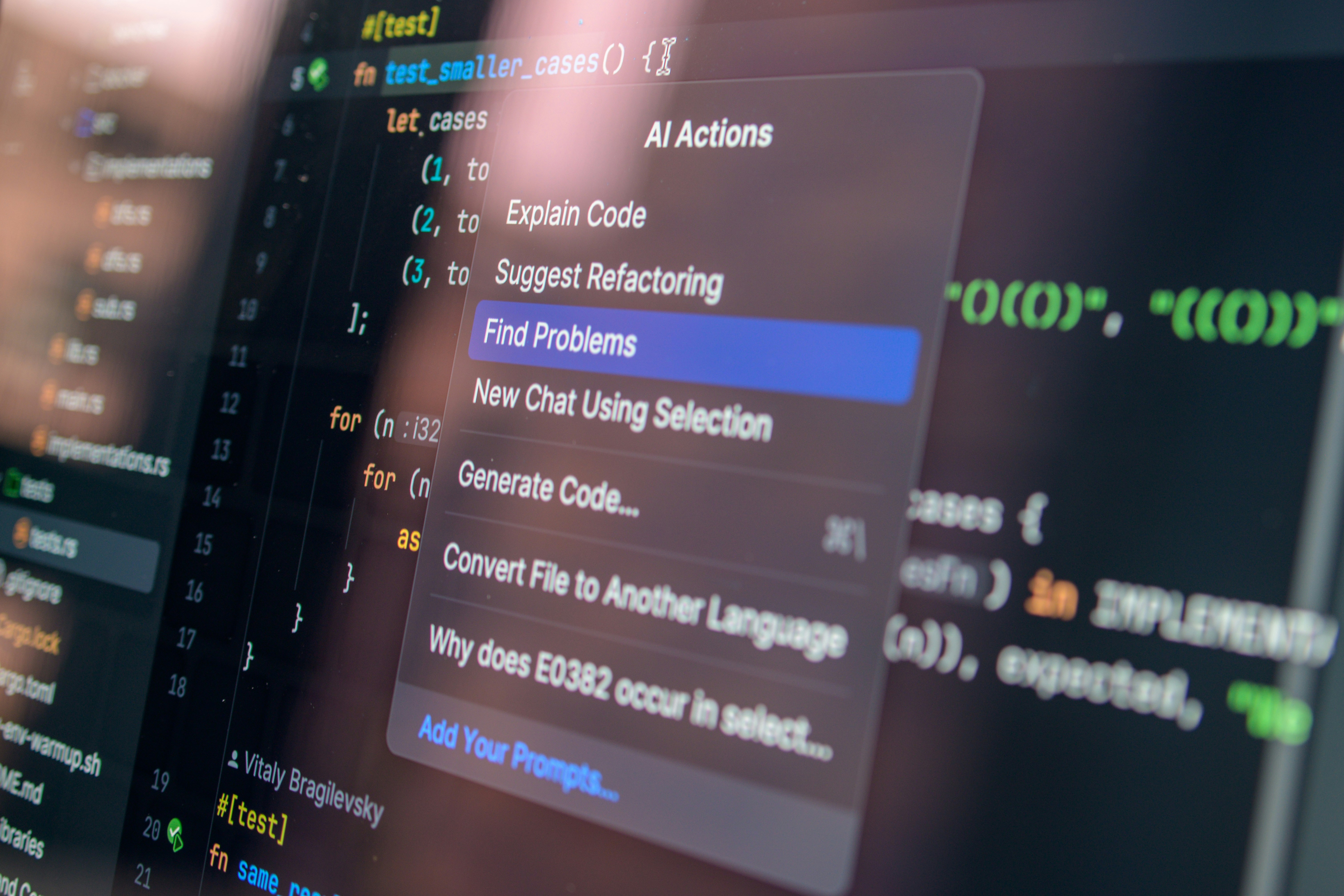
A Simpler Way to Interact With Software
For decades, most software followed the same interaction model.
Users clicked through menus.
They navigated dashboards.
They opened panels, settings, and configuration pages.
While this approach works, it also introduces friction. The more powerful a system becomes, the more complex its interface usually gets.
Modern software is beginning to move in a different direction.
Instead of forcing users to search for actions within layers of UI, many tools now allow users to tell the system what they want directly.
This is the foundation of command-driven software.
From Navigation to Intent
Traditional interfaces are built around navigation.
Users move through pages and menus until they find the feature they need. This works well when there are only a few options, but it becomes inefficient as software grows more powerful.
Command-driven systems focus on intent instead of navigation.
Instead of clicking through multiple menus, a user can simply type something like:
Create a launch roadmap for the new feature
or
Generate tasks for the onboarding process
The system interprets the command and performs the appropriate actions automatically.
This approach removes the need to memorize where features are located within the interface.
Instead, users interact with the system using natural language or simple commands.
Why This Model Is Growing Quickly
Several trends are pushing software in this direction.
First, AI systems have dramatically improved language understanding. Modern models can interpret user intent with far greater accuracy than earlier technologies.
Second, users increasingly expect speed and immediacy from their tools. Waiting for complex interfaces to load or navigating through multiple steps feels outdated.
Finally, many teams are working across multiple tools and platforms. A command-based interface acts as a universal control layer that can trigger actions across different systems.
In many ways, the command input becomes the central gateway for interacting with software.
Reducing Interface Complexity
One of the biggest advantages of command-driven design is that it dramatically reduces interface clutter.
Traditional productivity tools often include:
Multiple navigation layers
Numerous configuration panels
Large sets of buttons and controls
As features grow, these interfaces become harder to navigate.
Command-driven systems hide much of this complexity behind a single input field.
Instead of displaying every possible option at once, the system surfaces the right actions based on the user’s request.
This creates interfaces that feel simpler while still offering powerful capabilities.
When Commands Become Workflows
The real power of command-driven systems appears when commands trigger entire workflows instead of single actions.
For example, a command like:
Plan a product launch campaign
could automatically generate:
A project board
Task assignments
Timeline milestones
Documentation pages
In this model, the command line isn’t just executing a function—it’s orchestrating a sequence of actions across the system.
This allows teams to move from idea to execution far more quickly.
The Human Advantage
Even as AI and automation become more powerful, the role of humans in creative and strategic work remains essential.
Command-driven systems aren’t designed to replace decision-making.
Instead, they focus on removing the mechanical work that surrounds it.
Rather than spending time setting up project structures or organizing tasks, teams can focus on the higher-level thinking that actually drives progress.
The software handles the setup.
Humans handle the direction.
A New Design Philosophy
Command-driven software represents more than a new interface pattern—it reflects a different philosophy about how tools should behave.
Instead of forcing users to learn the system, the system learns how to respond to the user.
Interfaces become lighter.
Workflows become faster.
And the gap between intention and action becomes smaller.
As AI continues to evolve, this approach will likely become a central part of how people interact with software.
In the future, many applications may begin not with dashboards or menus—but with a simple prompt asking one question:
“What would you like to do?”